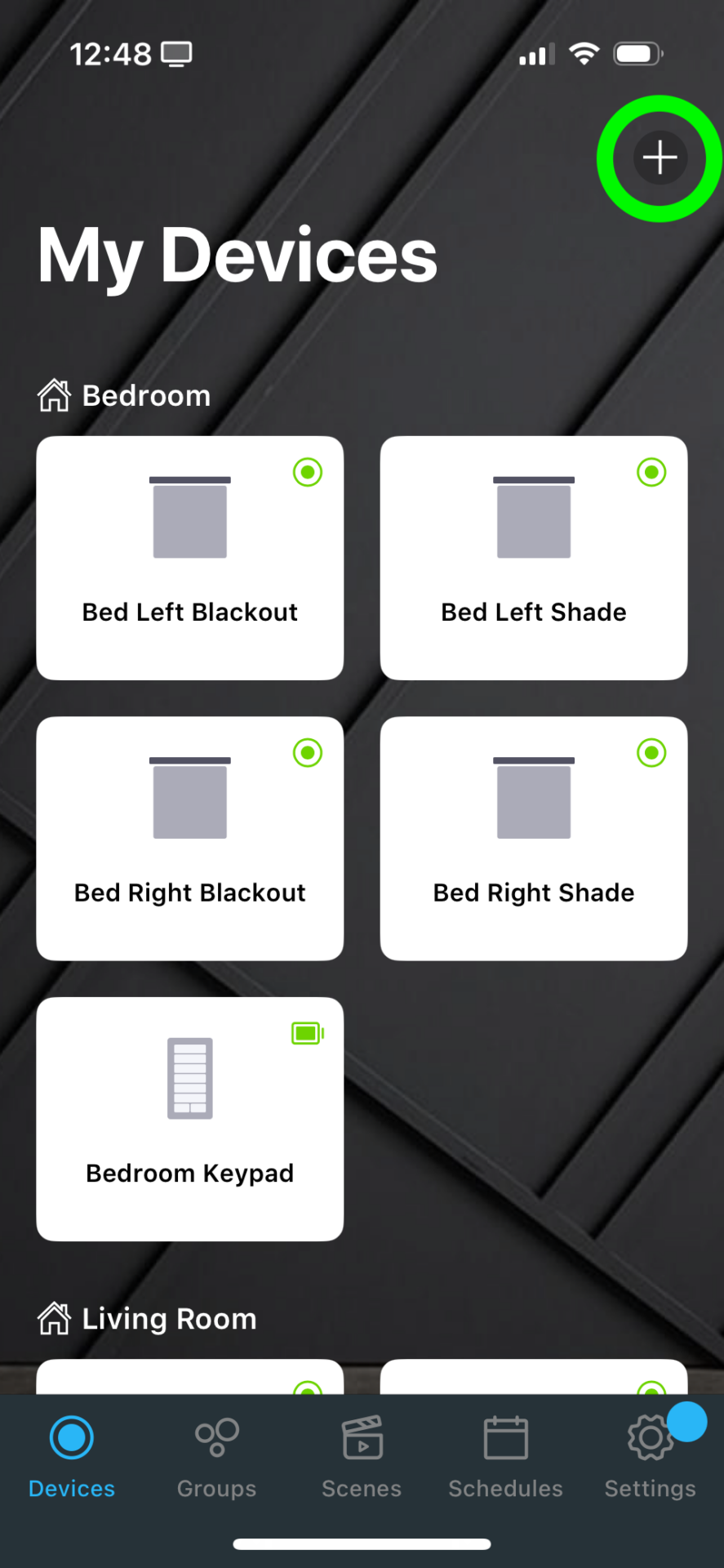
From the devices tab, press the + button in the top right corner of the screen
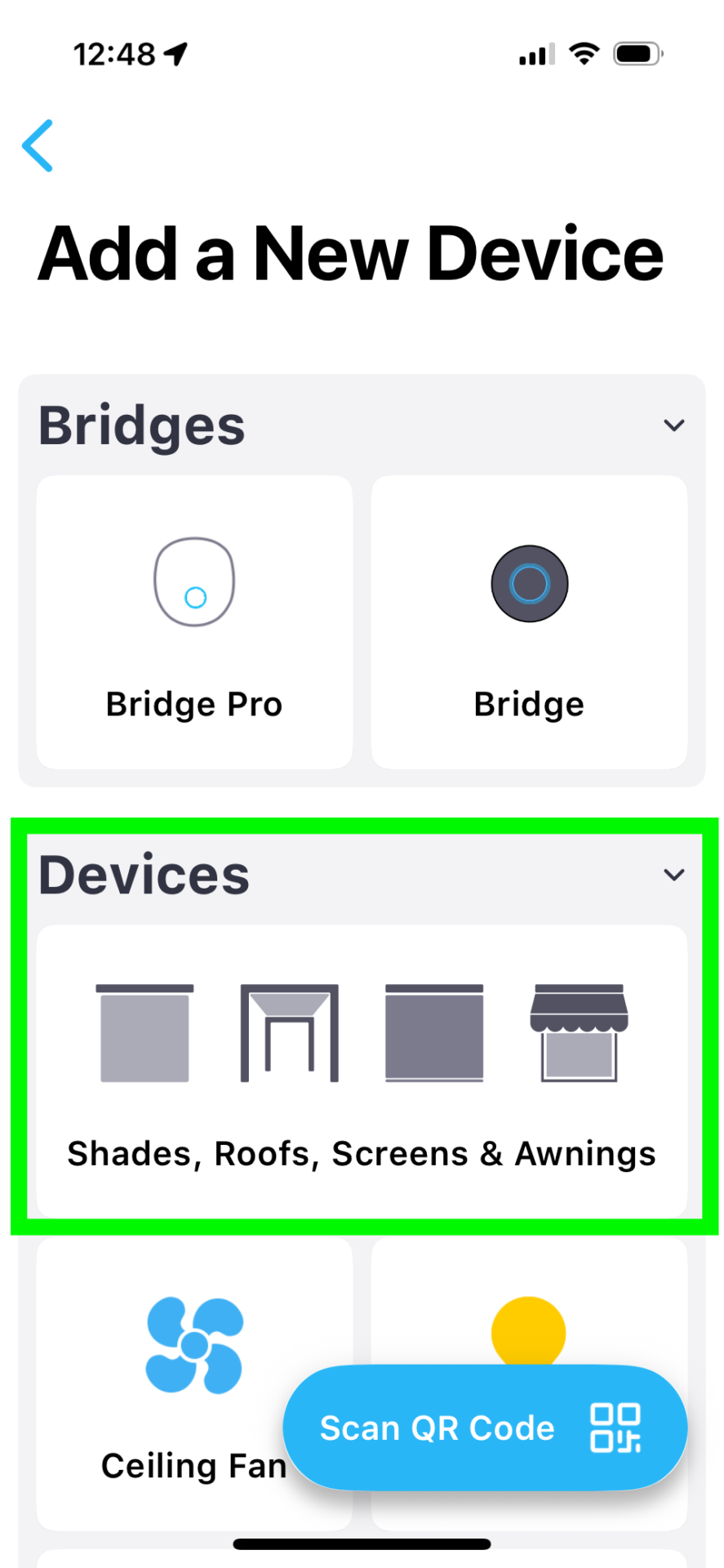
Under Devices, select the Shades, Roofs, Screens & Awnings button
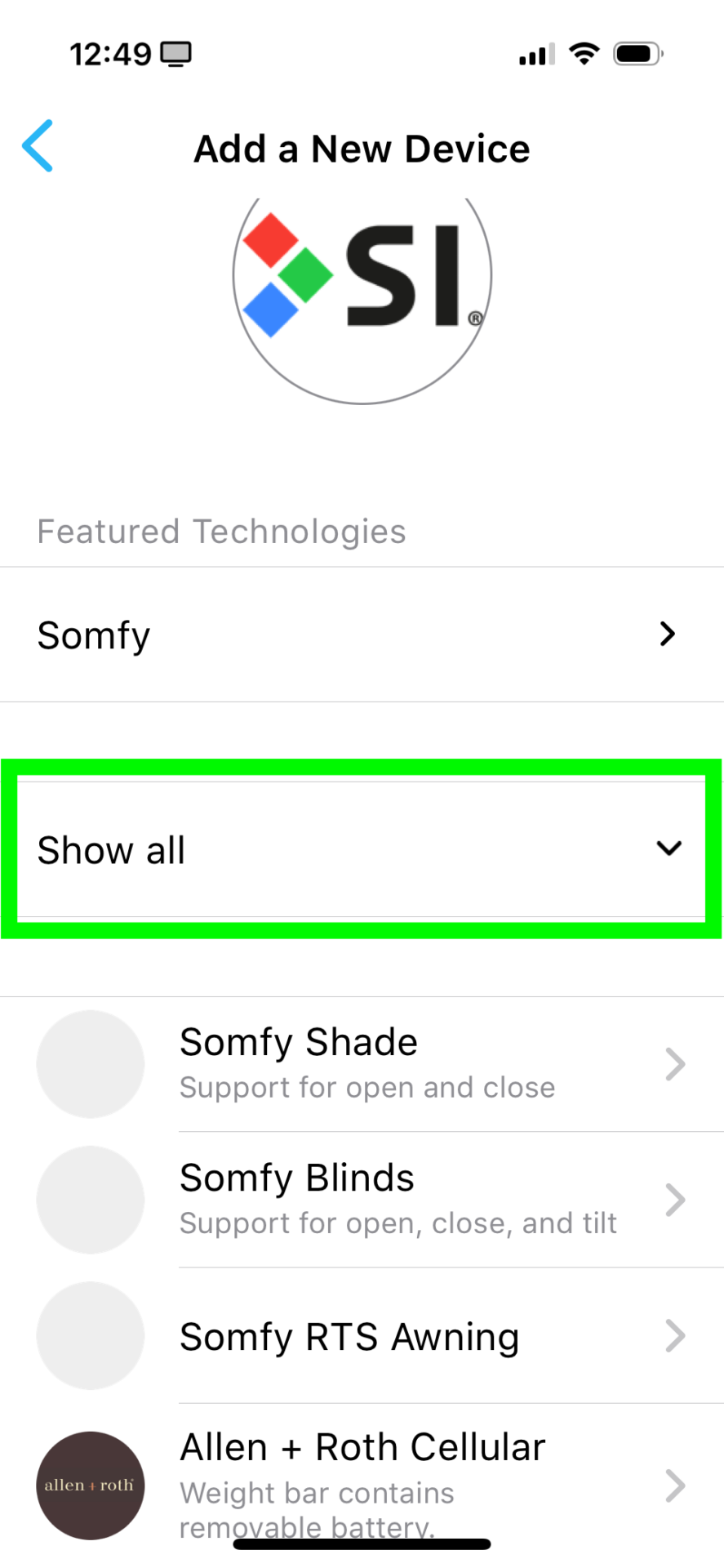
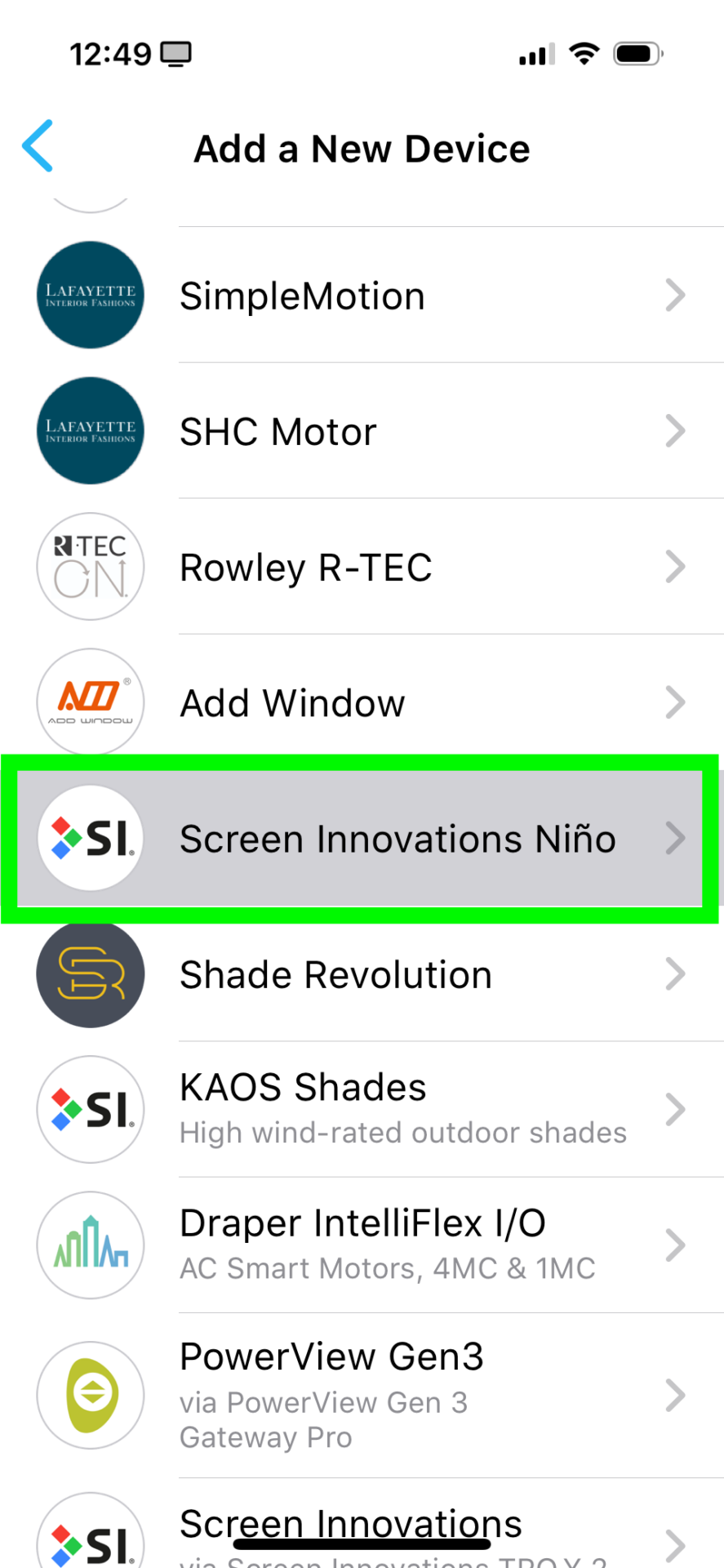
Click the Show All to open the list, scroll down and select Screen Innovations Niño
This list is NOT in alphabetical order
 .
. 
Press the Start button
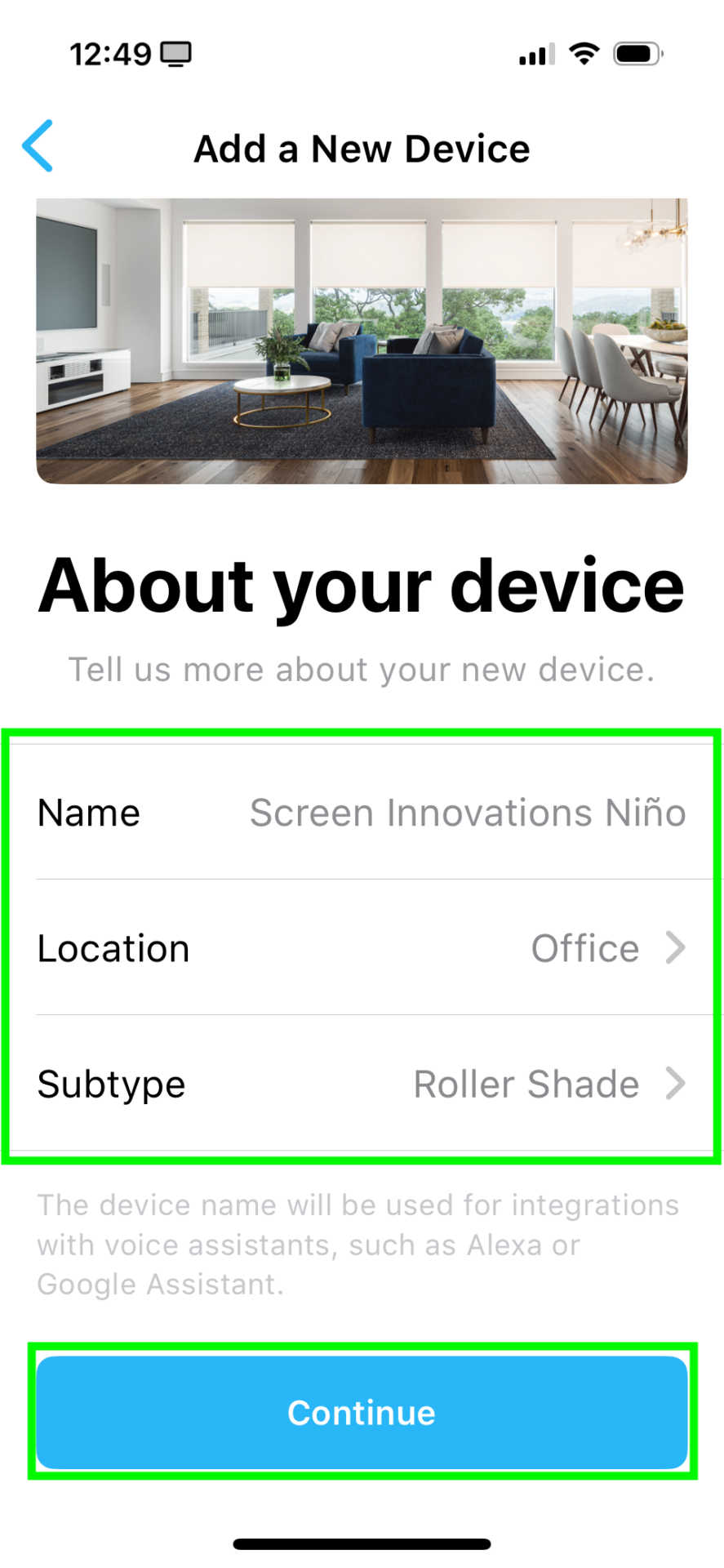
Name your shade, and assign it to a room
Press Continue
Remove the battery cover from the remote
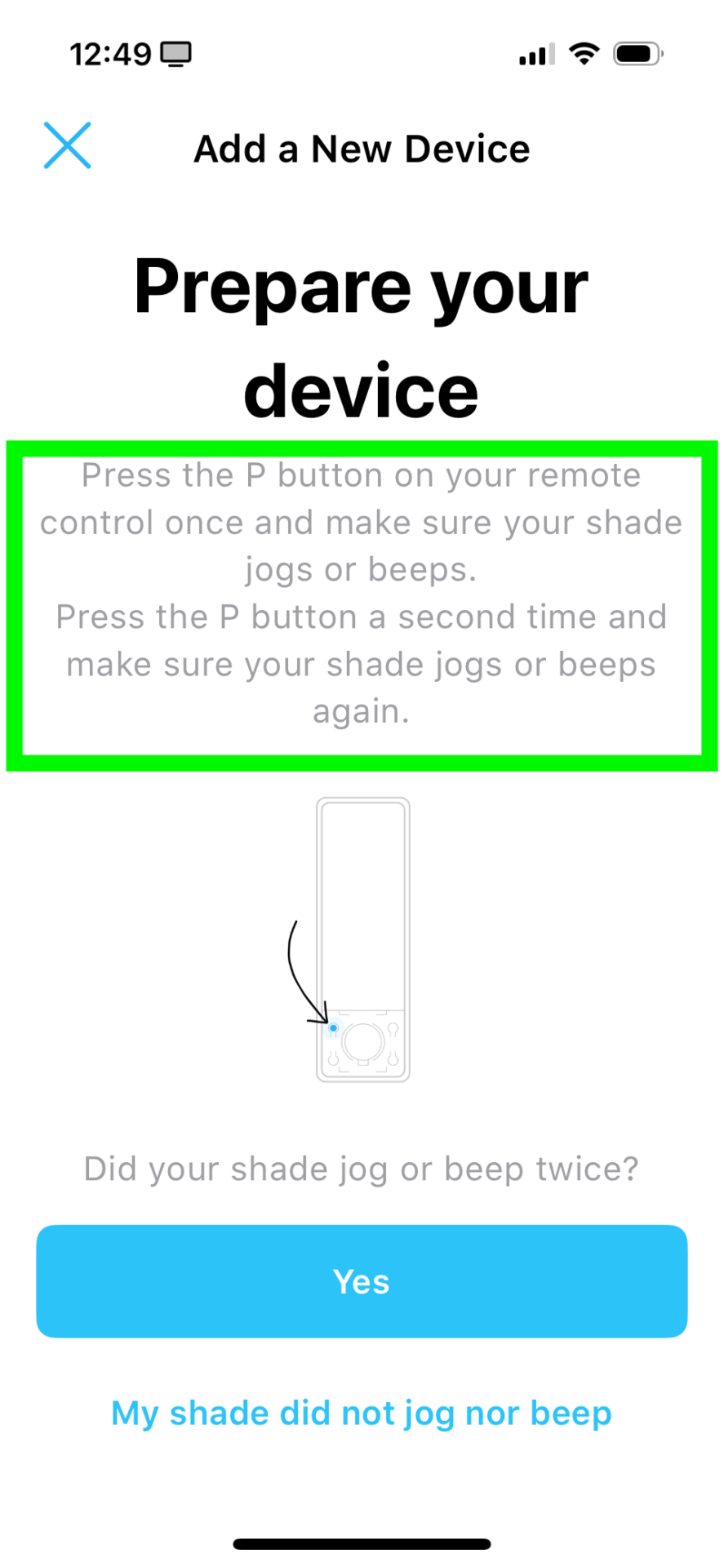
Press and hold the P button until the shade jogs once, then release the button
For a second time, push and hold the P button until the shade jogs once again, then release the button
Press the Yes button to continue
Press the Pair button
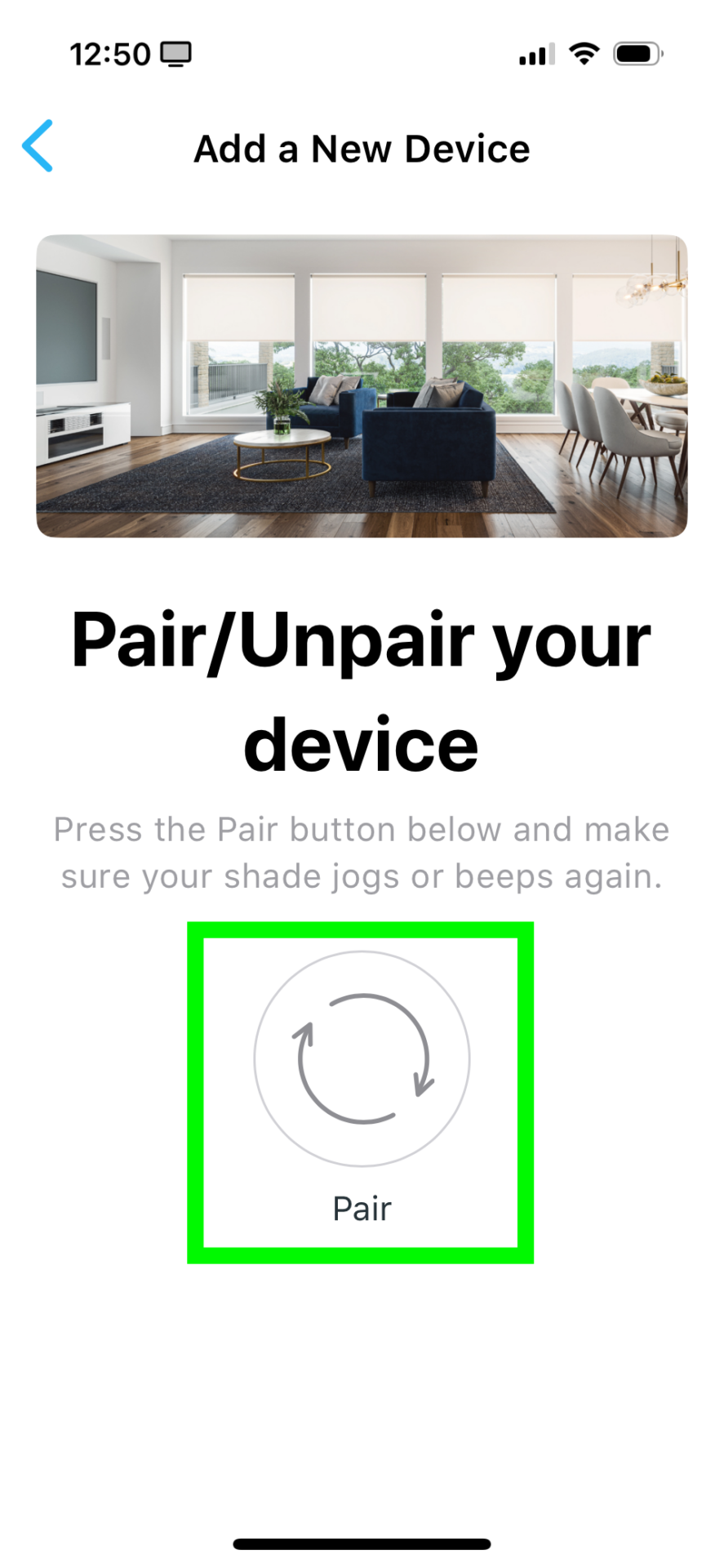
Once the shade jogs, press the Yes button at the bottom of the screen
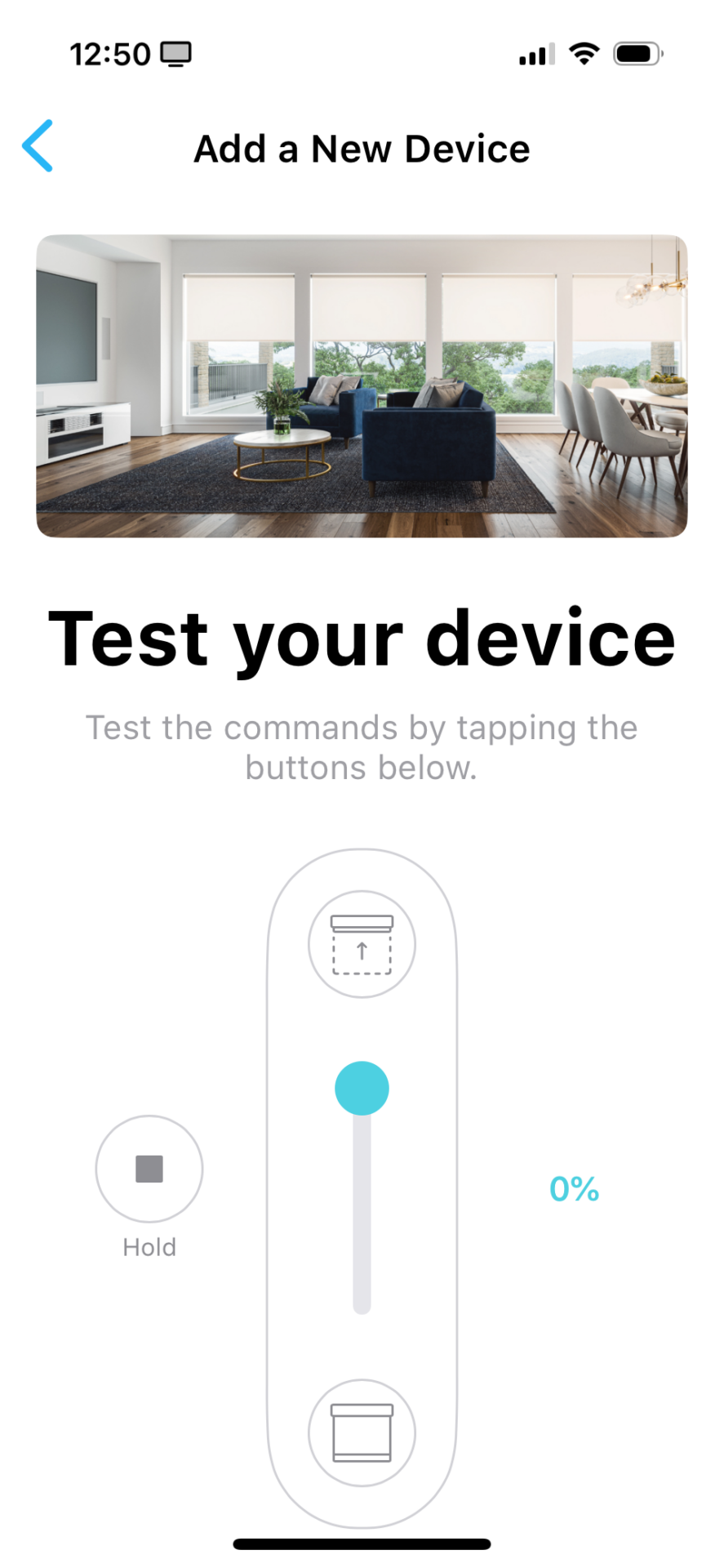
Test the shade, then press the Done button
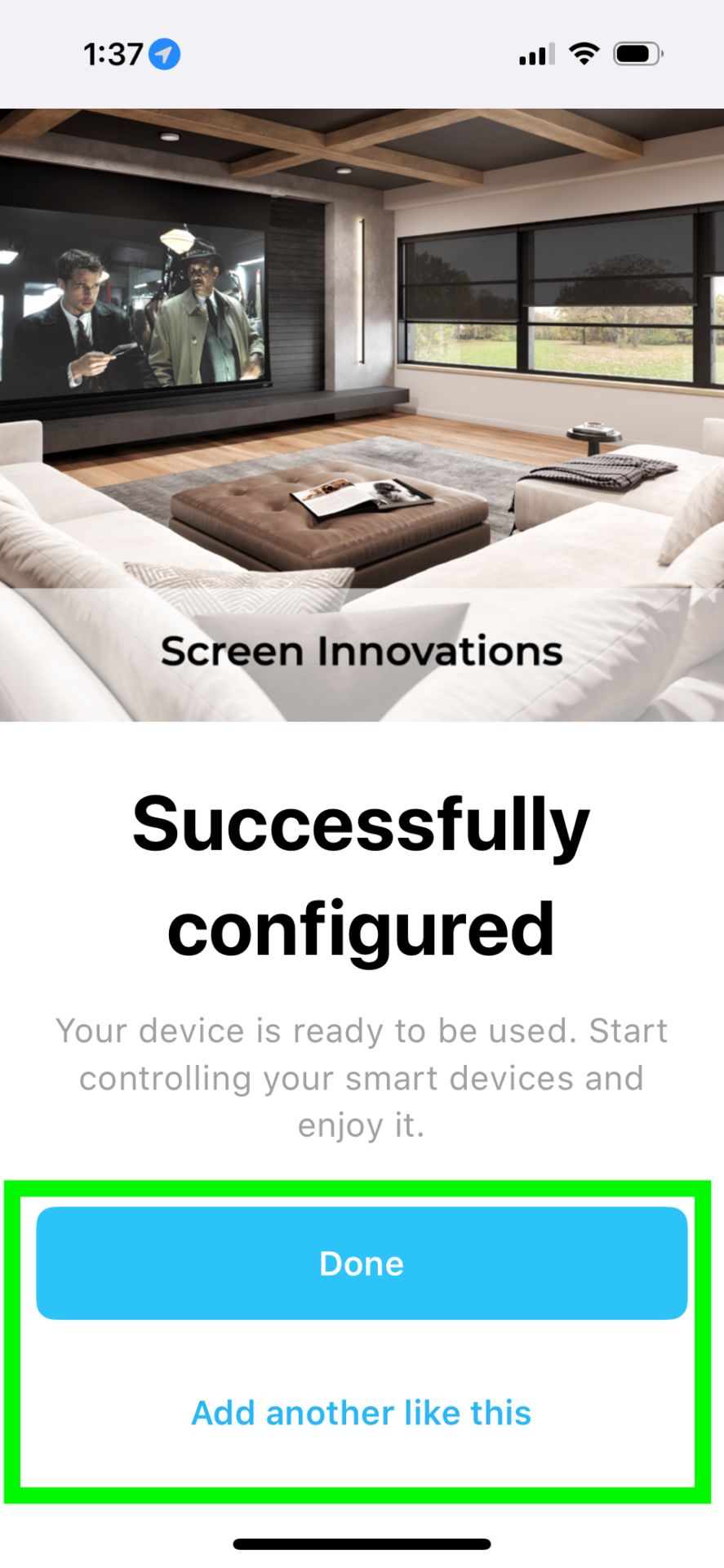
Now your shade is added to the Bond, press Done to finish, or add another like this to add more shades